
Organizational Operations
Run every branch from one place.
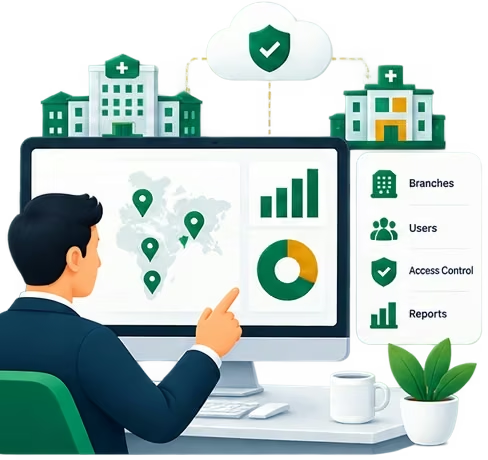
Administrators set up branches and departments, decide which modules each branch runs, control who can access what, and see operations across the organization. Enterprise groups get a network view across facilities and regions, with single sign-on.
Built for
- Owners & leadership
- Administrators
- Enterprise groups
Capabilities
What Organizational Operations covers
Branches & departments
Add branches, set up departments and track each branch's onboarding.
Modules per branch
Turn modules on or off per organization and branch, within your plan.
Users & access
Role-based access enforced by the backend on every request.
Audit trail
Sensitive actions are recorded for the organization to review.
Insights & forecasting
Operational insights and volume forecasts across branches.
Enterprise network
For groups: facilities, regions, network reporting and single sign-on.
Walkthroughs
See the key flows
- Walkthrough coming soon
Flow 01
Adding a branch
Opening a new location on the platform.
- 1
The administrator creates the branch and its departments.
- 2
Staff are assigned to the new branch.
- 3
Onboarding shows what's left before the branch is ready.
- 1
- Walkthrough coming soon
Flow 02
Choosing modules per branch
Running a clinic and a hospital on the same platform.
- 1
The administrator opens Modules.
- 2
They switch modules on or off for the organization or a single branch.
- 3
Staff portals update to show only what that branch runs.
- 1
- Walkthrough coming soon
Flow 03
Oversight across branches
What leadership checks to stay on top of the organization.
- 1
Leadership opens the dashboard for organization-wide numbers.
- 2
Insights and forecasts point to branches that need attention.
- 3
The audit trail shows who did what.
- 1
Platform
Explore other modules

Clinical Operations
Appointments, clinical workflows, medical records and care coordination.
Explore
Patient Experience
Appointments, records, reports and patient access.
Explore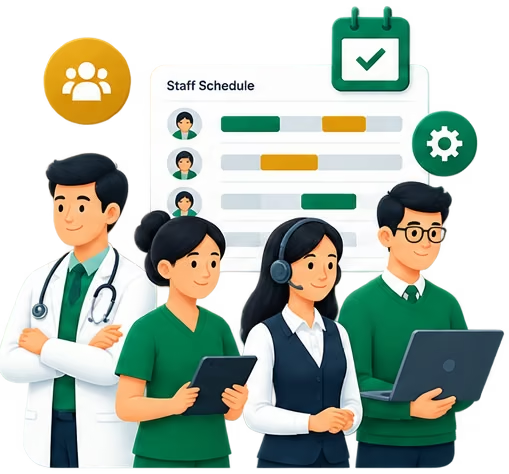
Workforce
Doctors, nurses, reception, HR and billing teams.
Explore
Financial Operations
Billing, invoices and operational financial visibility.
Explore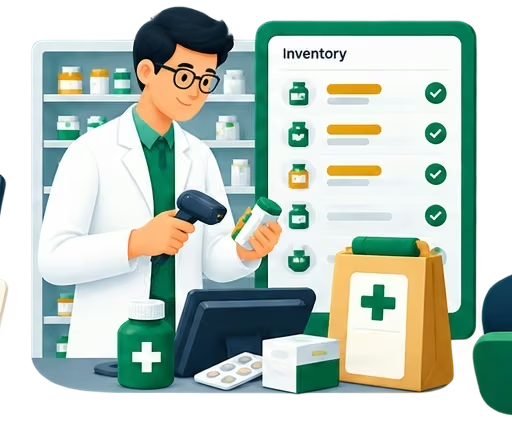
Pharmacy
Inventory and branch-level pharmacy management.
Explore
See Organizational Operations running for your organization
Tell us how your clinics or hospitals work and we'll walk you through it on your own setup.